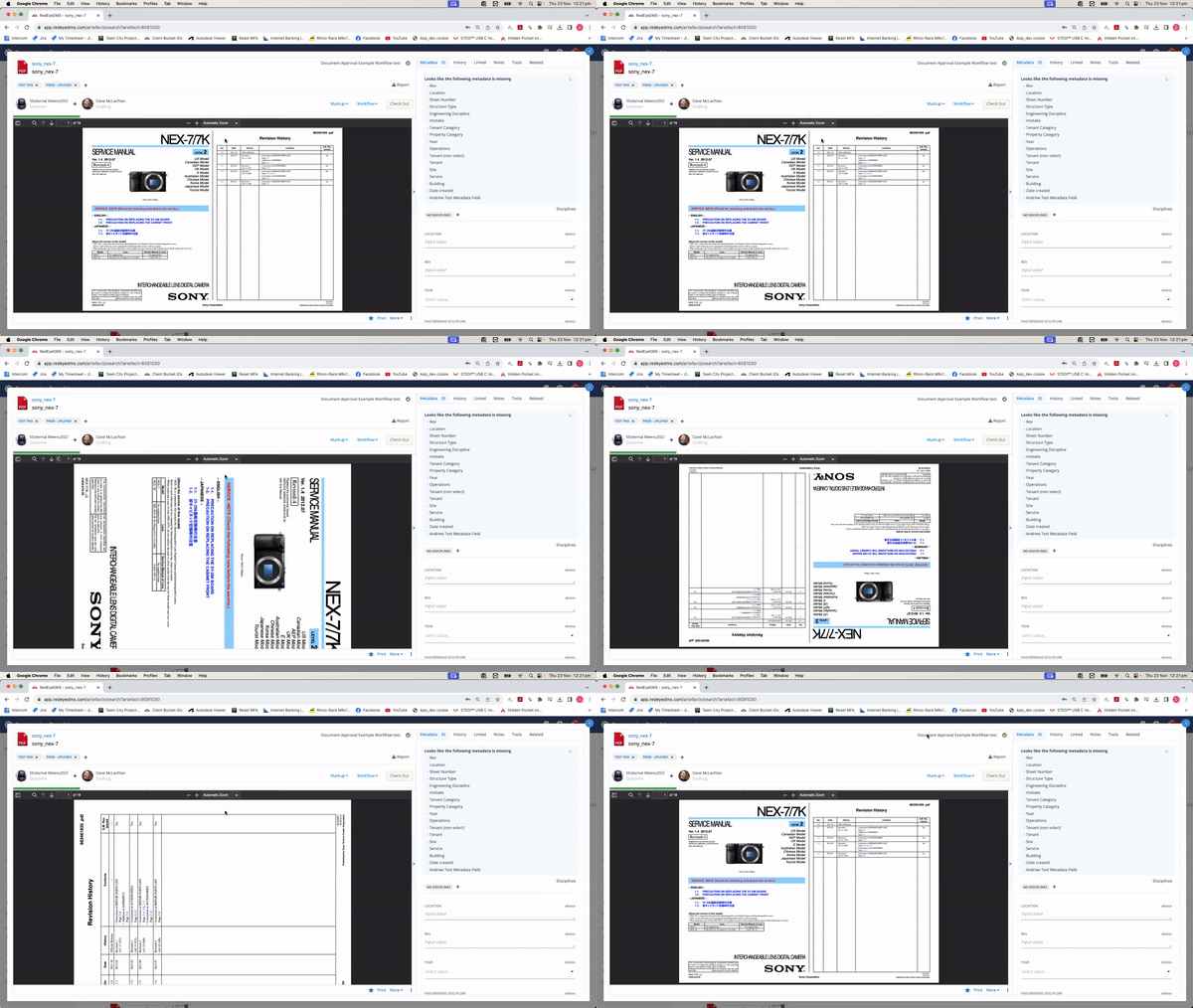
Temporarily Rotate a Document Artefact Preview
You can temporarily rotate a preview in the Document artefact preview page.
The PDF reader that our Document artefacts use to display multipage scrolling Documents does not have a rotate button like the Drawing single page view does.
Correcting an incorrectly orientated Document artefact preview PERMANENTLY requires the Uploading of a correctly oriented document over the top.
To quickly, temporarily, rotate a Document preview you can rotate it 90o clockwise per tap by clicking in the preview pane to ‘activate’ it, then tapping the 'r' key on your keyboard while on the artefact page.